
资源概览
ORIGIN1016307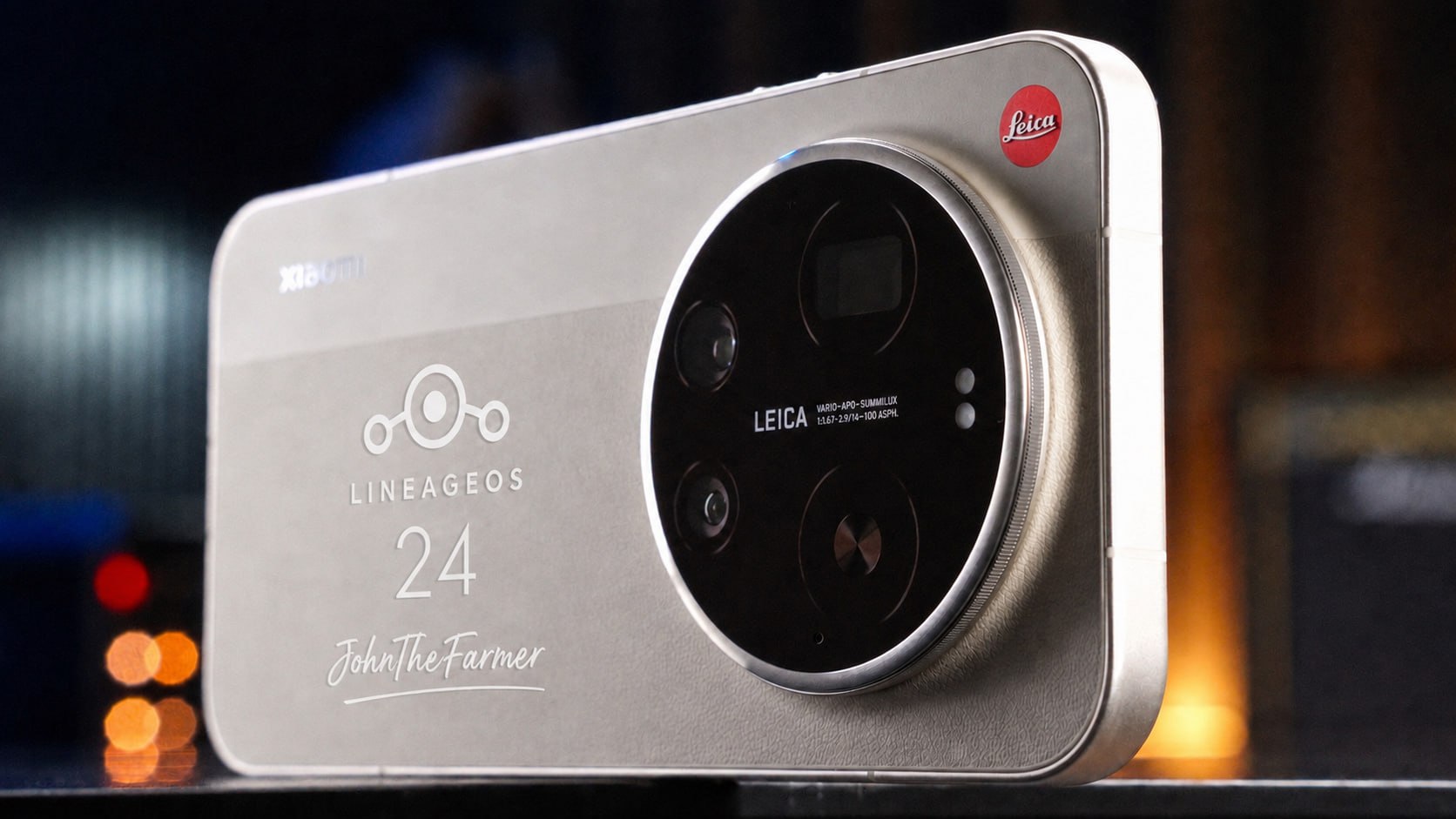
更新日志
LineageOS 24.0 based on Android 17 for Xiaomi 17 Ultra (nezha) - By JohnTheFarmer
Changelog - 11-11-2026
- November 2026 Android security patches (security patch level November 1, 2026), with fixes for media and image decoding, Bluetooth, Wi-Fi, NFC, messaging and app permission checks.
- New lockscreen clocks: twelve original clock faces (Stratum, Segment, Orbit, Tide, Line, Matrix, Duo, Ruler, Prose, Grid, Bloom and Meridian), each with its own always-on-display look, selectable in Wallpaper & style.
- Reverse wireless charging: a new Battery share tile in Quick Settings charges earbuds, a watch or another phone placed on the back of the phone.
- Display color mode names now match HyperOS: Original color PRO (default), Vivid, and the Original, P3 and sRGB color gamuts.
- Keyboard: optionally type a top-row number by swiping down on its key, see autofill suggestions such as SMS codes and saved passwords in the suggestion bar, and paste recently copied text from a suggestion chip (can be turned off).
- Canvas: undo and redo now work for the marker and highlighter.
- Contacts: exporting over an existing vCard file no longer leaves old contacts at the end of the file.
- The volume panel can no longer be opened over the lock screen, and USB data stays off while locked even if USB setup times out.
- Tap-to-pay always gives the default wallet app priority over other apps registered for the same payment.
Notes:
Make sure you are on OS4.0.4.0.XPACNXM firmware (not Xiaomi.EU, but stock CN build).
A clean flash is required when coming from HyperOS or any other custom ROM
Flashing Instructions:
NOTE: If you own a global version device, after you flashed the required firmware stated above, you need to separately flash the modemfirmware from the files attached, otherwise LOS probably won't boot for you. (Chinese device users, do NOT flash this on your device, you keep the CN modemfirmware that comes with the required firmware). > fastboot flash modemfirmware modemfirmware.img
Boot into fastboot mode (bootloader)
Run: fastboot --skip-reboot update zipname.zip
Once the installation is done, enter recovery directly while you are in fastbootd. Use the volume buttons and power button to navigate, then format/wipe data
When updating to a newer build:
Boot into fastboot mode (bootloader) > adb reboot bootloader or turn off the device, press and hold power button and volume down button, and when the mi log shows up, let the power button go and keep holding volume button down
Run: fastboot --skip-reboot update zipname.zip
Once installation is done, just reboot, you skip wipe/format this time in recovery otherwise you lose your data.
If you're using gapps, when you update the ROM, DO NOT REBOOT INTO THE OS YET. First, do a clean reboot to a recovery, and then sideload the Gapps. You need to reboot into recovery so that the Gapps land to the current active slot.
If you need Google Apps/Play Store, reboot to recovery again and sideload GApps. Once in recovery, select Apply Update, then run this on your PC: adb sideload zipname.zip
If you do not need Google Apps/Play Store, just reboot the device
相关截图
如果出现不相关图片则是无截图,点击可看大图下载区域
下载量 0 次建议使用 IDM 多线程工具下载。 下载 IDM (PC)
下载等待漫长?可以加群聊一聊哦 QQ群1059936310!
下载等待漫长?玩个小游戏吧!点击下面按钮会出现飞机(↑ ↓ ← → 空格攻击)
提交我的评价