相关参数
 QQ交流
QQ交流📄更新日志
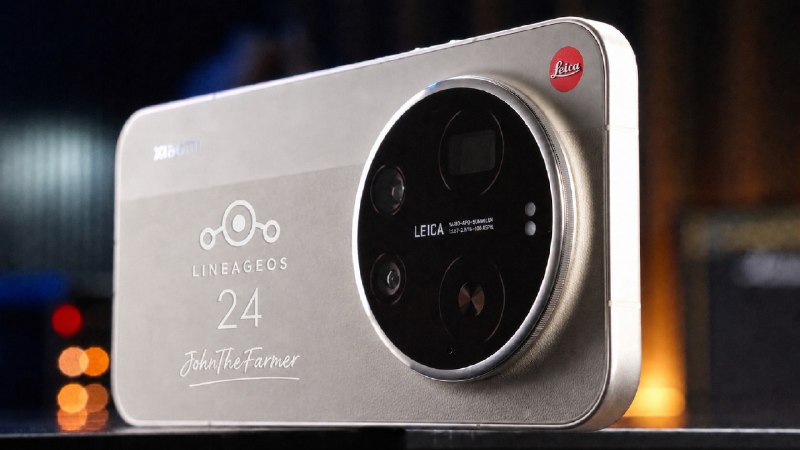
LineageOS 24.0 based on Android 17 for Xiaomi 17 Ultra (nezha) - By JohnTheFarmer
Changelog - 08-26-2026:
**** CLEAN FLASH REQUIRED WITH THIS BUILD REGARDLESS WHICH ROM YOU ARE ON NOW (WIPE/FORMAT DATA) ****
- Initial LOS 24 Release (Android 17)
- USER RELEASE BUILD
## Fixed
- Fixed Network Monitoring in status bar
- DT2S, DT2W, Tap to show screen
- Navigation Bar pill
## Added
- Haptics intensity setting/sliders
Keep in mind, LineageOS 24 isn't officially out yet, so, some stuff might be missing or broken and not fixed until the sources are complete.
Bugs:
- Unknown
Notes:
Make sure you are on OS3.0.307.0.WPACNXM firmware (not Xiaomi.EU, but stock CN build).
A clean flash is required when coming from HyperOS or any other custom ROM
Flashing Instructions:
**** CLEAN FLASH REQUIRED WITH THIS BUILD REGARDLESS WHICH ROM YOU ARE ON NOW (WIPE/FORMAT DATA) ****
NOTE: If you own a global version device, after you flashed the required firmware stated above, you need to separately flash the modemfirmware from the files attached, otherwise LOS probably won't boot for you. (Chinese device users, do NOT flash this on your device, you keep the CN modemfirmware that comes with the required firmware). > fastboot flash modemfirmware MODEM-FW.bin
Boot into fastboot mode (bootloader)
Run: fastboot --skip-reboot update zipname.zip
Once the installation is done, enter recovery directly while you are in fastbootd. Use the volume buttons and power button to navigate, then format/wipe data
When updating to a newer build:
Boot into fastboot mode (bootloader) > adb reboot bootloader or turn off the device, press and hold power button and volume down button, and when the mi log shows up, let the power button go and keep holding volume button down
Run: fastboot --skip-reboot update zipname.zip
Once installation is done, just reboot, you skip wipe/format this time in recovery otherwise you lose your data.
If you're using gapps, when you update the ROM, DO NOT REBOOT INTO THE OS YET. First, do a clean reboot to a recovery, and then sideload the Gapps. You need to reboot into recovery so that the Gapps land to the current active slot.
If you need Google Apps/Play Store, reboot to recovery again and sideload GApps. Once in recovery, select Apply Update, then run this on your PC: adb sideload zipname.zip
If you do not need Google Apps/Play Store, just reboot the device
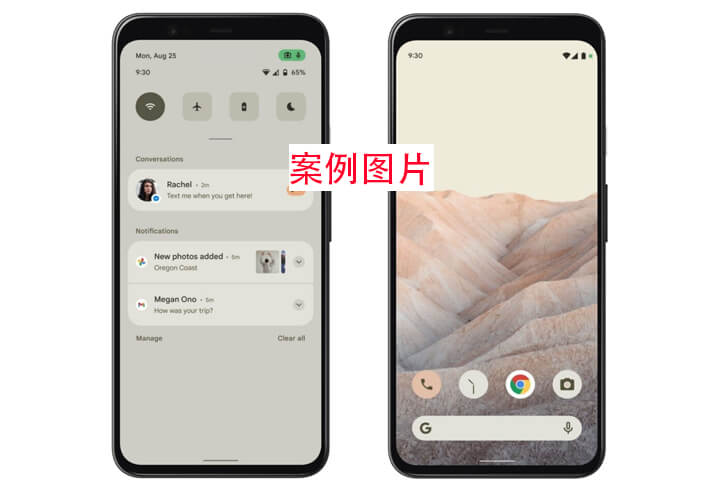
📸相关截图(如果出现不相关图片则是无截图,点击可看大图)
📂下载区域(下载量:2次)
建议使用IDM多线程工具下载 >>下载IDM(PC端)
下载等待漫长?玩游戏吧!点击下面按钮会出现飞机在左上角(↑ ↓ ← → 空格攻击)
讨论区(0)
没有评论数据
提交我的评价
FiimeOPC 一人公司社区
小米17Ultra圈子
订阅ROM更新

微信小程序搜索: 原生ROM
看广告 免费获得积分每天300-1000积分
购买积分包

常见问题
工具箱
相关教程
小米11T Pro(vili)原生ROM刷机教程
lineage recovery无法选中apply update
红米K20/小米9T(davinci)原生ROM刷机教程
刷入Recovery 的方法(通用教程)
积分池信息
今日签到人数:22人 今日签退贡献:0分
注意:
1.积分池每日00:00自动重置
2.积分支持公众号【李萌萌真好看】/QQ群签到随机免费获得
3.公众号内发起签退指令可以随机贡献积分到积分池
4.该积分在当前自然年内有效,年底清零
5.动动手指,勤劳致富。
支持签到的QQ群:


小米17Ultra相关ROM
小米17Ultra相关REC