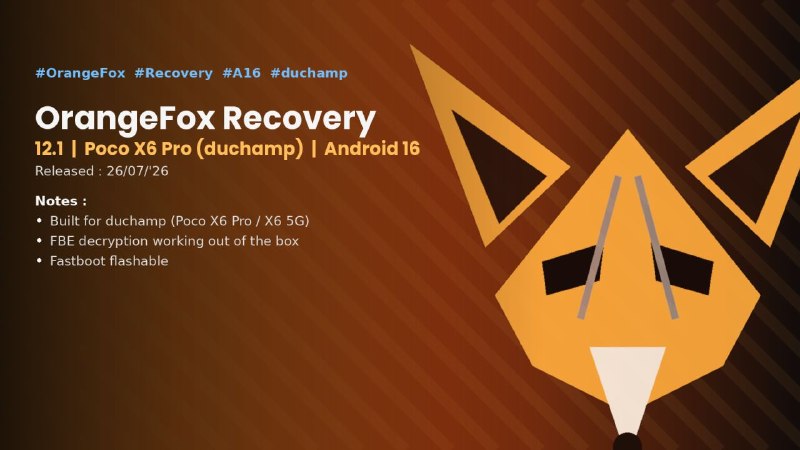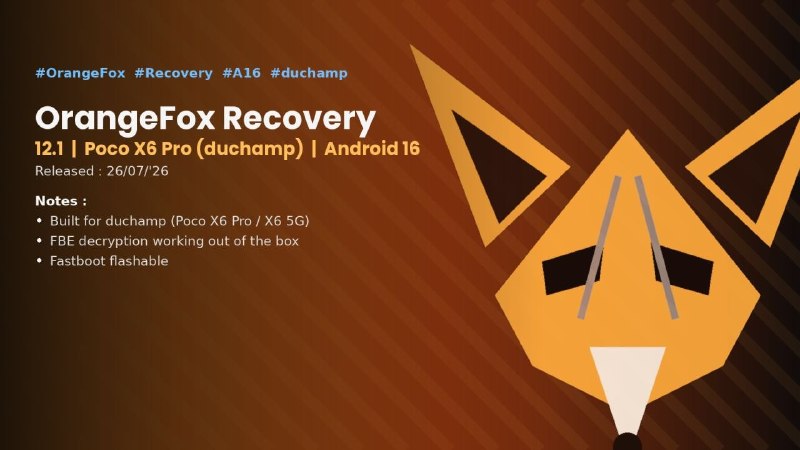
相关参数
 QQ交流
QQ交流📄更新日志
#AfterLifeOS #OFFICIAL #ROM #B #duchamp
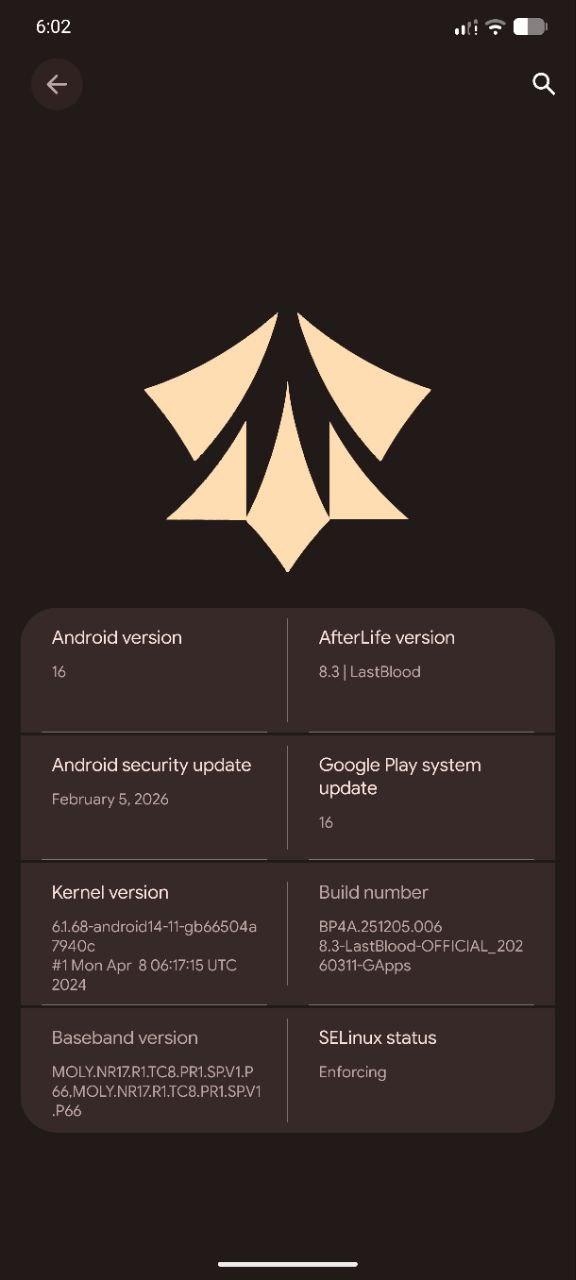
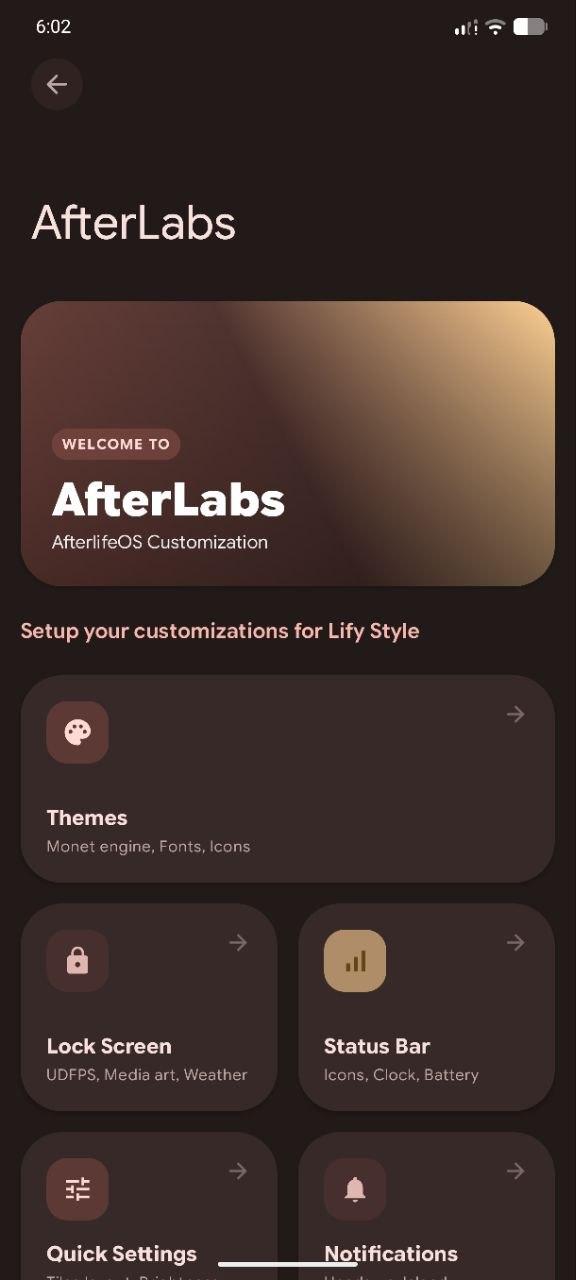
AFTERLIFE OS 8.3 - OFFICIAL | Android 16
Released: 11/03/2026
Maintainer: @Luxured
How to flash AOSP ROMs: 1) Download the vendor_boot.img and ROM The vendor_boot.img is recovery 2) Install the ROM's recovery using : fastboot flash vendor_boot_ab vendor_boot.img 3) Boot into it using the power + volume up button or fastboot reboot recovery 4) Wipe data/factory reset 5) In aosp recoveries you have to go into Apply update and choose your preferred option. 6) On your PC with the downloaded ROM, type in the terminal: adb sideload ROM.zip (ROM filename or drag and drop the zip file) 7) Optionally you could flash Gapps or other packages which you'll have to reboot back to recovery (with the option given after flashing the ROM) and repeat steps 5 and 6. 8) Reboot and enjoy
Changelog:
• Initial Android 16 QPR2 build
Bugs:
• You tell me
Notes:
• Flash from AfterLifeOS recovery
Recovery available in Mirror link
Follow @duchampupdates
Join @pocox6pro_discussion
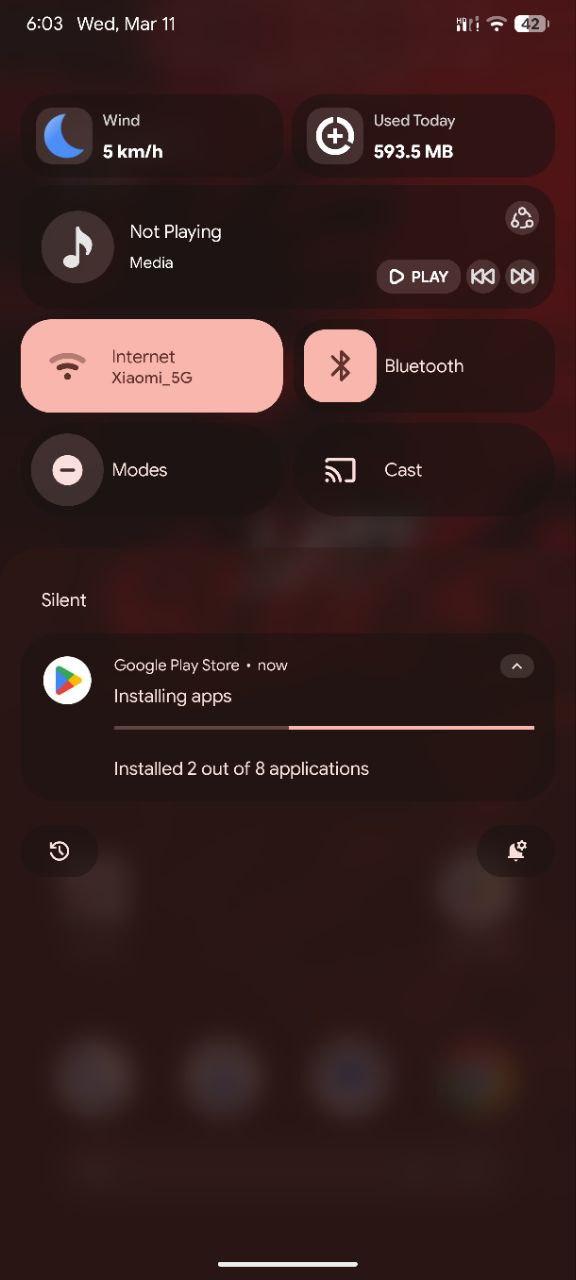
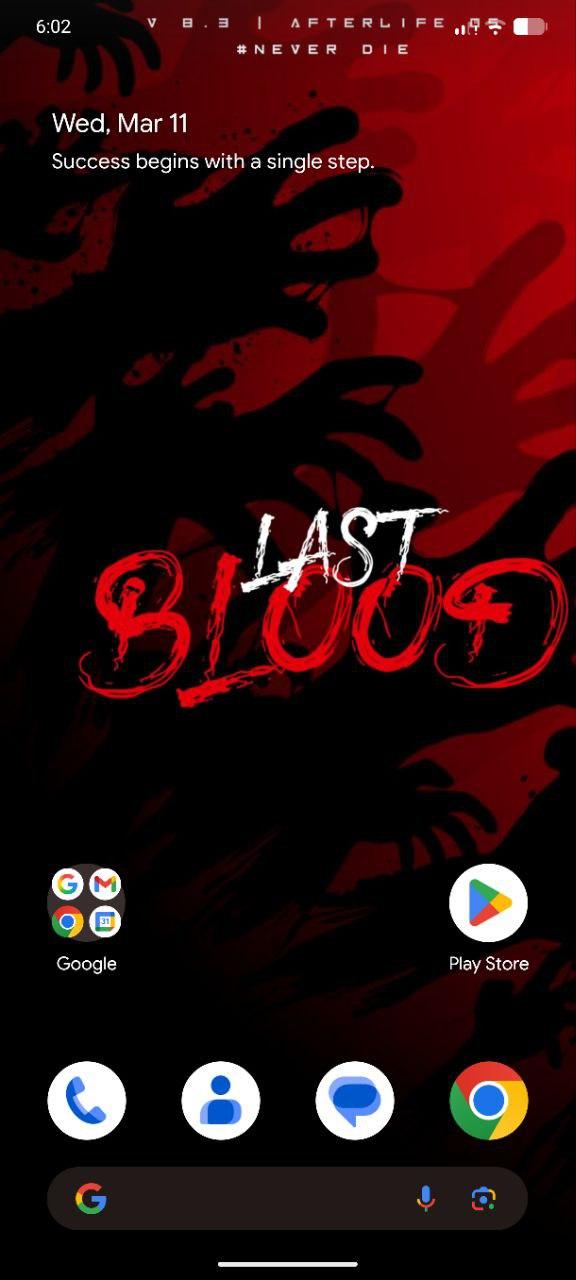
📸相关截图(如果出现不相关图片则是无截图,点击可看大图)
📂下载区域(下载量:210次)
国内下载声明:
1.Fiime仅作为分发镜像平台,我们从互联网中抓取ROM进行分享,积分下载仅适用于使用Fiime提供的分流渠道服务,如开发者认为侵犯了您的权益,可邮件 fiimecn@163.cn 进行下架处理!
2.该下载服务不额外提供刷机支持,与原作者无关.
3.关于积分捐赠,捐赠后此资源永久享受国内下载模式,费用用作网站运作,宽带与储存,感谢大家理解!
4.订单付款后未到账,前往自助核销 点我进入核销系统
1.Fiime仅作为分发镜像平台,我们从互联网中抓取ROM进行分享,积分下载仅适用于使用Fiime提供的分流渠道服务,如开发者认为侵犯了您的权益,可邮件 fiimecn@163.cn 进行下架处理!
2.该下载服务不额外提供刷机支持,与原作者无关.
3.关于积分捐赠,捐赠后此资源永久享受国内下载模式,费用用作网站运作,宽带与储存,感谢大家理解!
4.订单付款后未到账,前往自助核销 点我进入核销系统
下载等待漫长?玩游戏吧!点击下面按钮会出现飞机在左上角(↑ ↓ ← → 空格攻击)
讨论区(0)
没有评论数据
提交我的评价
FiimeOPC 一人公司社区
POCOX6Pro|红米K70E圈子
订阅ROM更新

微信小程序搜索: 原生ROM
看广告 免费获得积分每天300-1000积分
购买积分包

常见问题
由于小米手机国内外型号十分混乱,因此建议以手机代号为准查询ROM资源,查询代号可以前往小米手机代号查询后核对是否为您的手机资源!
首先,原生就构建在MIUI包的基础上 驱动库和逻辑 就是用MIUI的 减少开发难度 所以基于什么版本开发 作者就叫MIUI的对应版本为底包 由于各个MIUI版本存在差异 防止出现bug所以 作者一般会让你先刷底包 和开发环境一样的包 这就是底包,请按照下载页面的底包要求刷写对应的包
GAPPS是指这个包里面带有谷歌全家桶,谷歌商店,谷歌搜索等,Vanilla这个是指没有带谷歌系列的包
一般正式版(OFFICIAL)就是测试稳定的版本,或者官方渠道发布的,测试版(UNOFFICIAL)是指稳定性一般或者非官方人员制作的,适配版(PORT)一般是官改或者GSI作品,社区版(Community)则更多是测试性的,社区爱好者发起的,稳定性一般
原生板块的刷机包大部分是通过Recovery卡刷方式刷写的,当然你也可以通过ADB进行线刷,但是不可以使用miflash等工具刷机,Recovery可以通过小米Recovery下载查询并下载使用
FiimeROM官方交流QQ群,群号是1059936310,点击快捷加群您可以在群里免费咨询获取更多帮助
工具箱
相关教程
红米Note8(ginkgo)原生ROM刷机教程
温馨提示:刷机前请务必完成两项核心准备——解锁手机BootLoader、备份所有重要数据(联系人、照片、文档等),同时确保手机电量≥60%,避免刷机中途断电导致设备变砖。本教程全程采用适配红米Note8(机型代码ginkgo)的第三方Recovery卡刷方式,所有原生ROM资源均来自FiimeROM官网(专业小米红米玩机资源平台,安全可靠),链接经2026年2月27日实测可正常访问。需特别注意:红米Note8机型代码为ginkgo,切勿与红米Note8 Pro(机型代码begonia)、红米Note8T(机型代码willow)混淆,避免下载错误资源导致刷机失败。刷机有风险,操作需谨慎,所有操作后果由用户自行承担。
小米CIVI(mona)原生ROM刷机教程
温馨提示:本教程为全新撰写,仅适配小米CIVI(机型代码:mona),与小米CIVI 2、小米CIVI 3、小米11系列及其他小米/Redmi机型的ROM、Recovery、底包完全不可通用,刷机前务必核对机型代码(设置-关于手机-连续点击版本号开启开发者选项,进入开发者选项可查看机型代码)。刷机核心前提:解锁手机BootLoader、完整备份所有重要数据(文档、照片、视频、应用数据等)、确保手机电量≥60%,避免刷机中途断电导致设备损坏。
如何获取并用奇兔刷Recovery
作者:某贼
使用adb sideload线刷ROM的方法
原文:https://zhuanlan.zhihu.com/p/96968140
积分池信息
2639/今日上限积分3000分
今日签到人数:14人 今日签退贡献:0分
注意:
1.积分池每日00:00自动重置
2.积分支持公众号【李萌萌真好看】/QQ群签到随机免费获得
3.公众号内发起签退指令可以随机贡献积分到积分池
4.该积分在当前自然年内有效,年底清零
5.动动手指,勤劳致富。
支持签到的QQ群:


POCOX6Pro|红米K70E相关ROM



POCOX6Pro|红米K70E相关REC